Barcode Scanner for iPhone – Copy, Email & Save
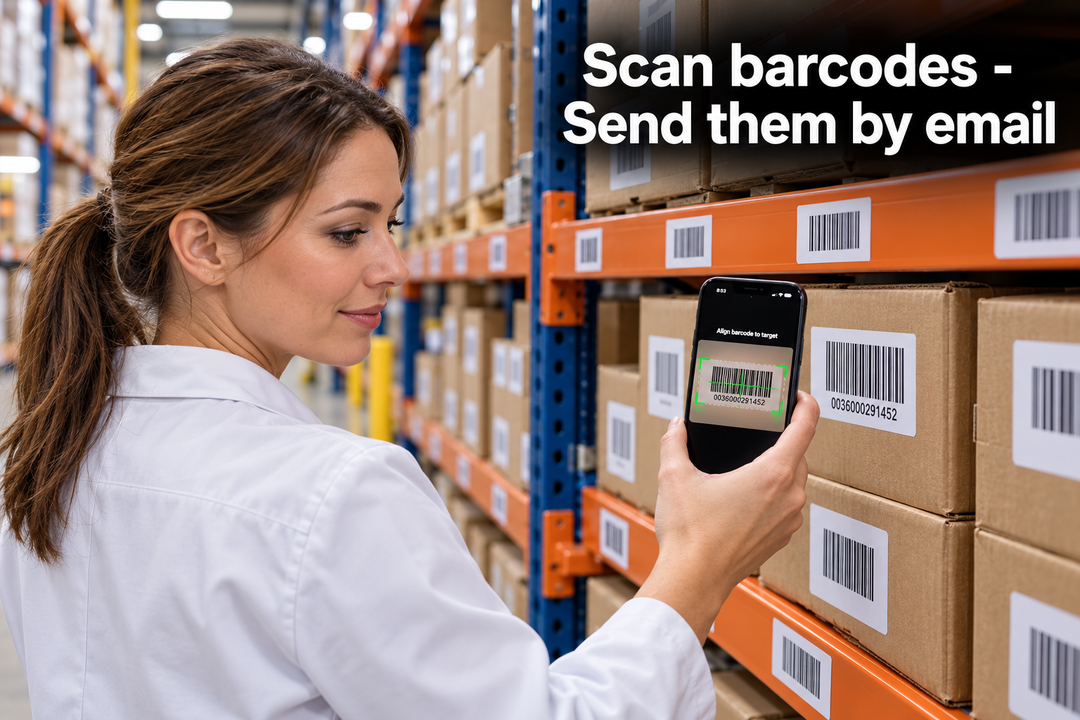
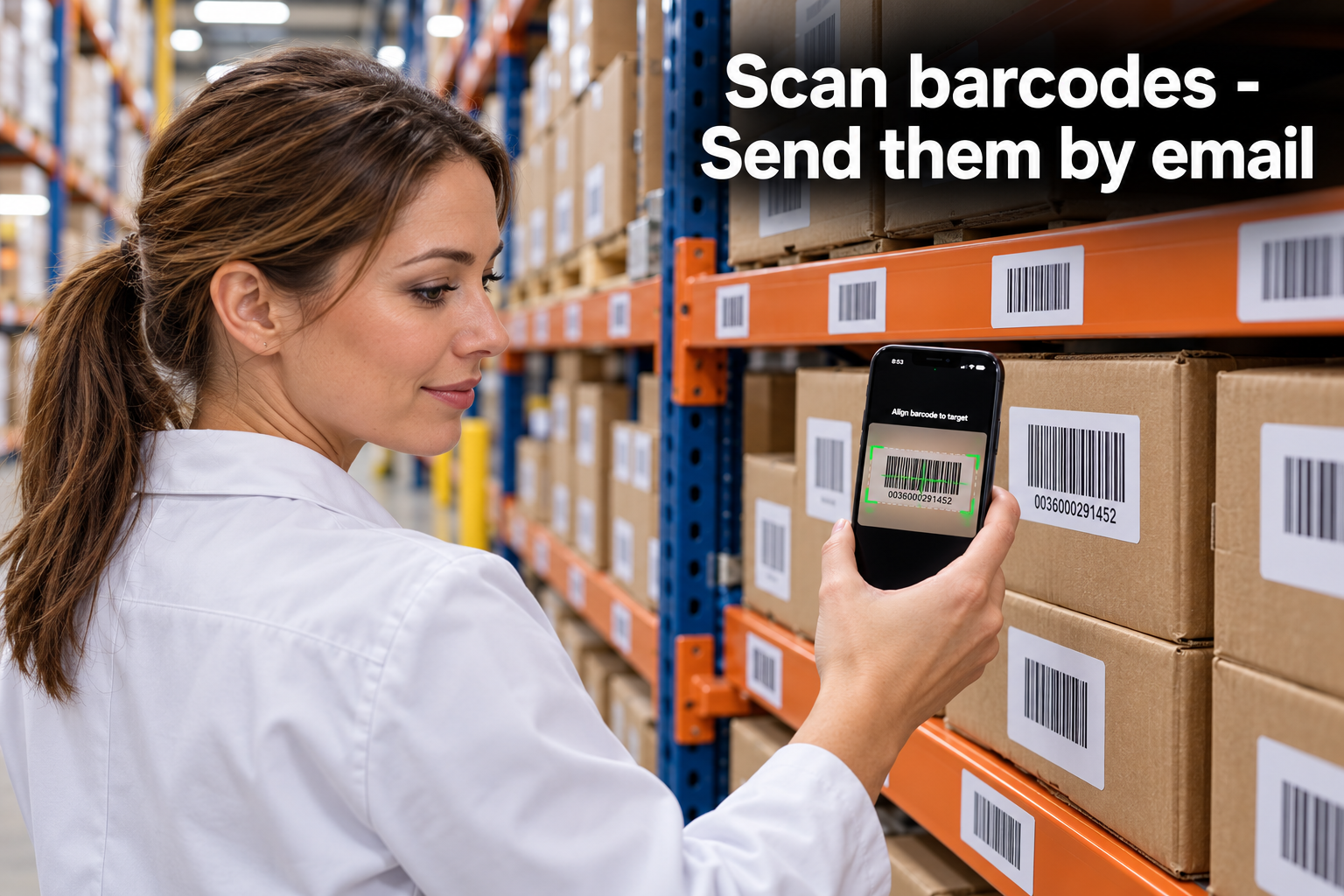
Someone asks you for a list of barcode numbers. The labels are right in front of you, but getting those numbers into an email means typing them one by one—and checking you haven’t missed a digit.
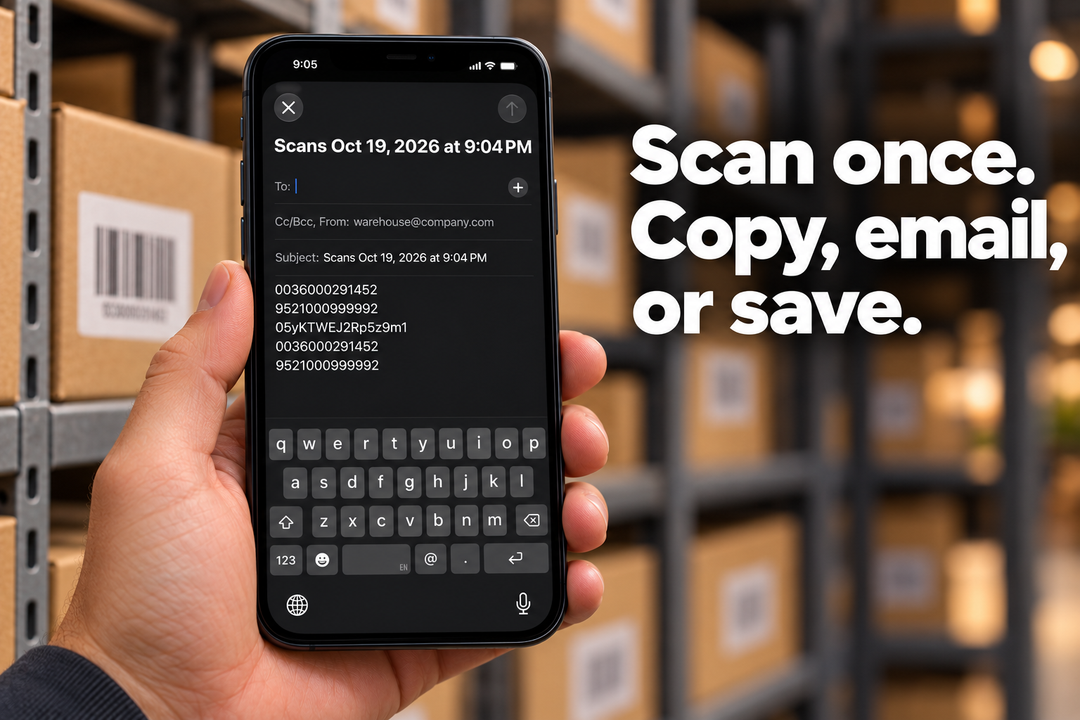
Barcode Scanner & Copy turns your iPhone or iPad into a barcode scanner that collects results in an editable list. Copy the numbers to your clipboard, email the list, or save a plain-text file.
No account required. Scanning works offline.

1. Scan barcodes into a list
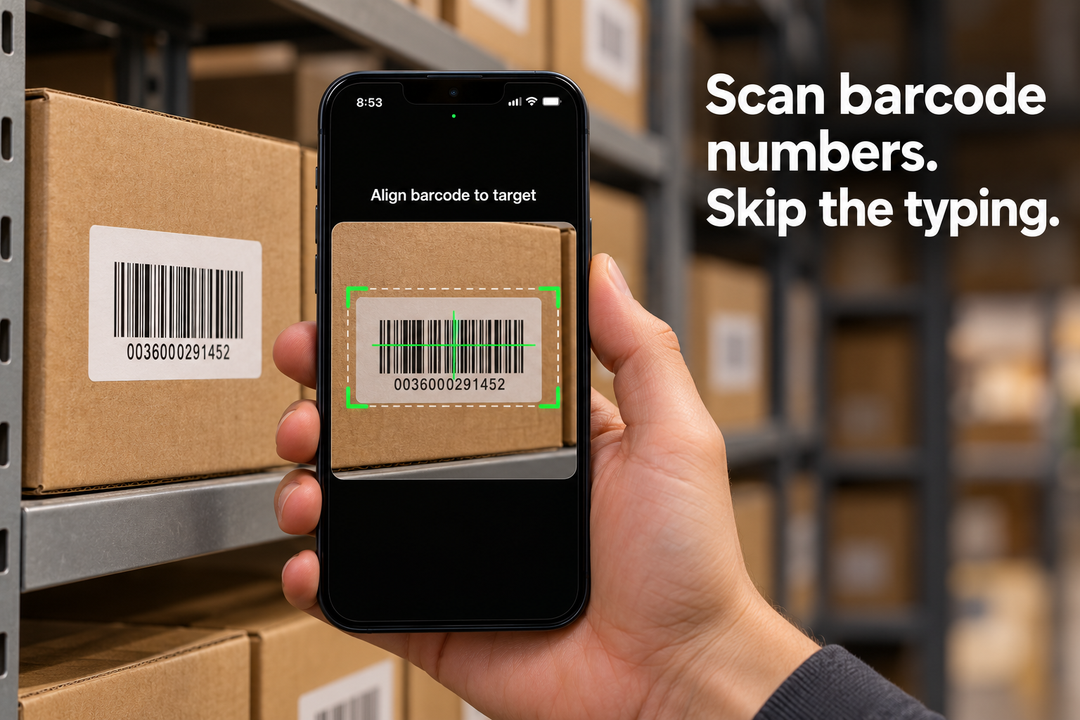
Tap Scan and point your camera at a barcode. Each accepted value is added to your list.
Collect product codes, equipment asset tags, book ISBNs, or other barcode text. Scan one code at a time for free, or use PRO to keep the camera open for continuous scanning.
2. Review and edit your results
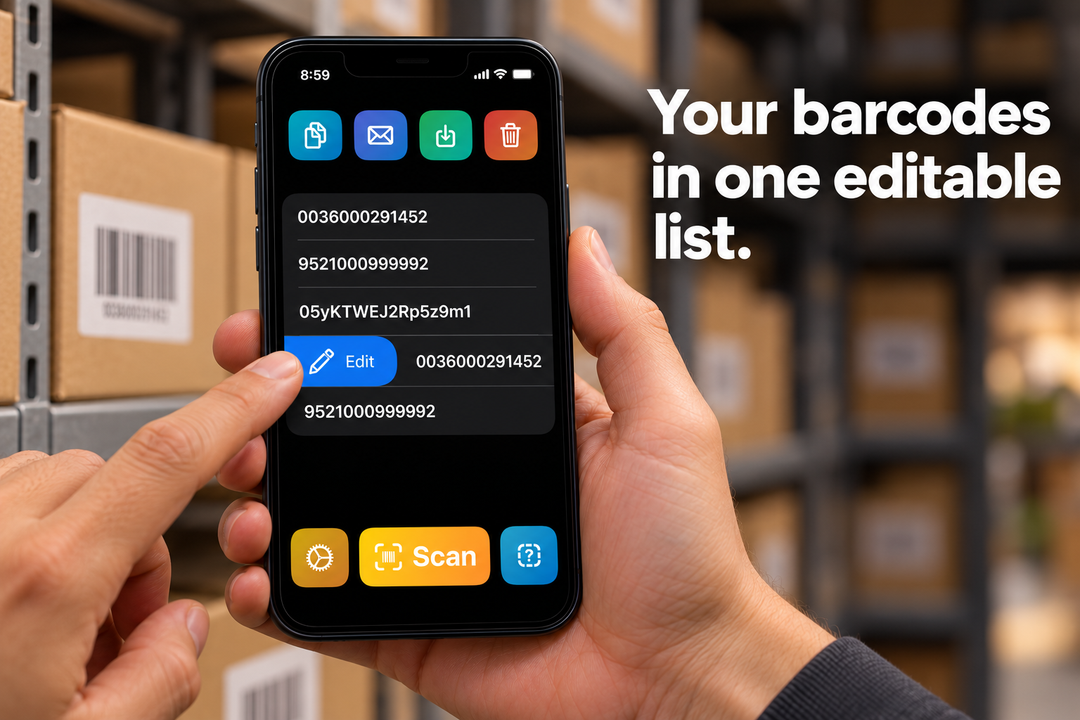
Keep your scanned barcode numbers together. Edit an entry, delete an unwanted scan, or clear the list when you’re ready for a new task.
Your list is saved on your device between uses.
3. Copy, email, or save
Use the collected barcode text in your existing workflow:
- Copy the list to paste into Notes, forms, or other apps.
- Email scanned barcodes using Apple Mail.
- Save the list to Files as a plain-text file.
Free scanning and export. Optional PRO.
| Free | PRO adds |
|---|---|
| Scan barcodes one at a time | Continuous scanning |
| Edit and delete scanned values | Duplicate filtering |
| Copy the list to your clipboard | Filter barcodes by prefix |
| Email or save a text file |
Common barcode formats supported
Scan QR codes, Code 39, Code 128, UPC/EAN, Data Matrix, and other supported formats.
The app captures the text stored in each barcode. It does not look up product names, prices, or stock quantities.
Put your barcode numbers to work
Collect identifiers for equipment checks, gather product codes for a colleague, or scan book ISBNs for another tool.
Get the numbers off the labels and into a usable list.